
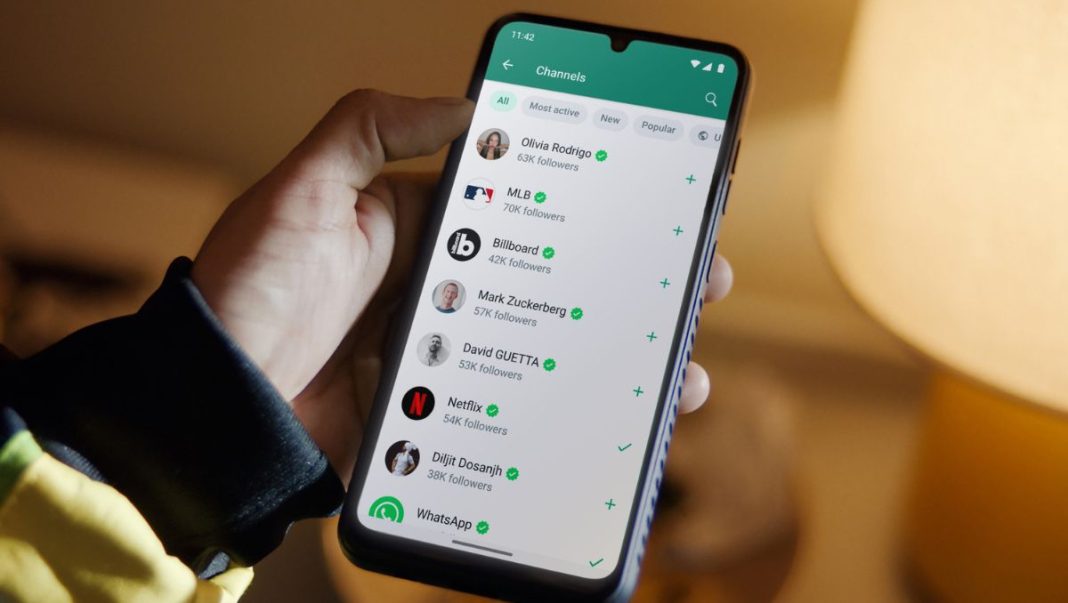
In a significant move that is set to redefine digital privacy for millions across India, WhatsApp, the omnipresent messaging platform, has finally rolled out a highly anticipated feature allowing users to hide their phone numbers. This groundbreaking update introduces unique usernames, empowering individuals to connect without exposing their personal contact details. For a nation deeply integrated with WhatsApp for everything from daily chatter to business transactions, this feature marks a monumental shift towards enhanced privacy and user control.
The introduction of usernames on WhatsApp addresses a long-standing user demand, especially pertinent in India where phone numbers often become public through group chats, professional networks, or casual exchanges, leading to unwanted calls and messages. This new functionality ensures that your identity on the platform can be maintained through a chosen identifier, offering a much-needed layer of anonymity and security.
The Privacy Revolution: What the Username Feature Means for India
For years, connecting on WhatsApp meant sharing your phone number – a foundational element of its design. While convenient, this approach often compromised personal privacy, especially in large group settings or when interacting with new contacts for short-term purposes. The new username feature fundamentally alters this dynamic. Now, instead of exchanging phone numbers, users can simply share their unique WhatsApp username, which acts as a direct identifier to their profile without revealing the underlying mobile number.
This development is particularly impactful in India, a country with over 500 million WhatsApp users. From online marketplaces and community groups to educational forums and family networks, WhatsApp is the primary communication channel. The ability to mask one’s phone number provides a critical safeguard against spam, unsolicited marketing calls, and potential privacy breaches. It means women, students, and professionals alike can participate more freely in digital communities without the pervasive worry of their personal contact information falling into the wrong hands.
“This move by WhatsApp is a truly transformative step for digital privacy in India,” says Ms. Priya Sharma, a leading digital privacy advocate based in Bengaluru. “It empowers users to reclaim control over their personal data, fostering a safer and more secure online environment. For a platform so central to our daily lives, giving users the option to connect without exposing their most private contact detail is a game-changer that sets a new standard for digital communication platforms.”
A Step-by-Step Guide: Setting Up Your WhatsApp Username
Getting started with your new WhatsApp username is a straightforward process, designed to be intuitive for all users. Before proceeding, ensure your WhatsApp application is updated to the latest version available on your device’s app store. Here’s how you can set it up:
Step 1: Update Your WhatsApp Application
First, navigate to the Google Play Store (for Android) or Apple App Store (for iOS) and search for WhatsApp. If an update is available, tap ‘Update’ to install the latest version. This is crucial as the username feature will only be accessible on updated clients.
Step 2: Access Your Profile Settings
Once updated, open WhatsApp. Go to the ‘Settings’ tab. On Android, this is usually found by tapping the three dots in the top right corner. On iOS, ‘Settings’ is typically located at the bottom right of the screen.
Step 3: Locate the Username Option
Within Settings, tap on your profile picture or name at the top. This will take you to your Profile page. Here, you should now see a new option, likely labelled ‘Username’ or similar, below your current name and ‘About’ status.
Step 4: Create Your Unique Username
Tap on the ‘Username’ option. You will be prompted to create a unique identifier. Your username must be unique, can contain letters, numbers, and certain special characters (like underscores or hyphens), and must meet WhatsApp’s specific length requirements. Choose a username that is easy to remember and represents you. WhatsApp will indicate if your chosen username is available. Once you’ve entered a suitable one, tap ‘Save’ or ‘Done’.
Congratulations! Your WhatsApp username is now active. You can share this username with others, and they can find and message you without ever seeing your phone number. Similarly, you can now search for other users by their usernames.
Impact and Future Implications for Indian Users
The introduction of usernames profoundly impacts how individuals and businesses interact on WhatsApp. For personal users, it means greater peace of mind when joining new groups, engaging with freelancers, or participating in temporary communities. The fear of unsolicited calls or messages, a common grievance among Indian users, can now be significantly mitigated.
For small and medium-sized businesses leveraging WhatsApp Business, this feature opens up new avenues for customer engagement. They can now provide a username for direct contact, ensuring customer privacy while maintaining a professional channel. This could lead to more confident and open communication, fostering trust in the digital marketplace.
This update reaffirms WhatsApp’s commitment to user privacy, a critical factor in maintaining its dominance in the Indian digital landscape. As digital interactions become increasingly central to our lives, features like number hiding via usernames are not just conveniences but essential tools for secure and confident communication. It signals a future where user control over personal information is paramount, potentially influencing how other digital platforms evolve their privacy features.
The new username feature on WhatsApp is more than just an update; it’s a testament to evolving privacy standards and user expectations. For millions in India, it represents a significant step towards a more secure, private, and empowering digital communication experience.