
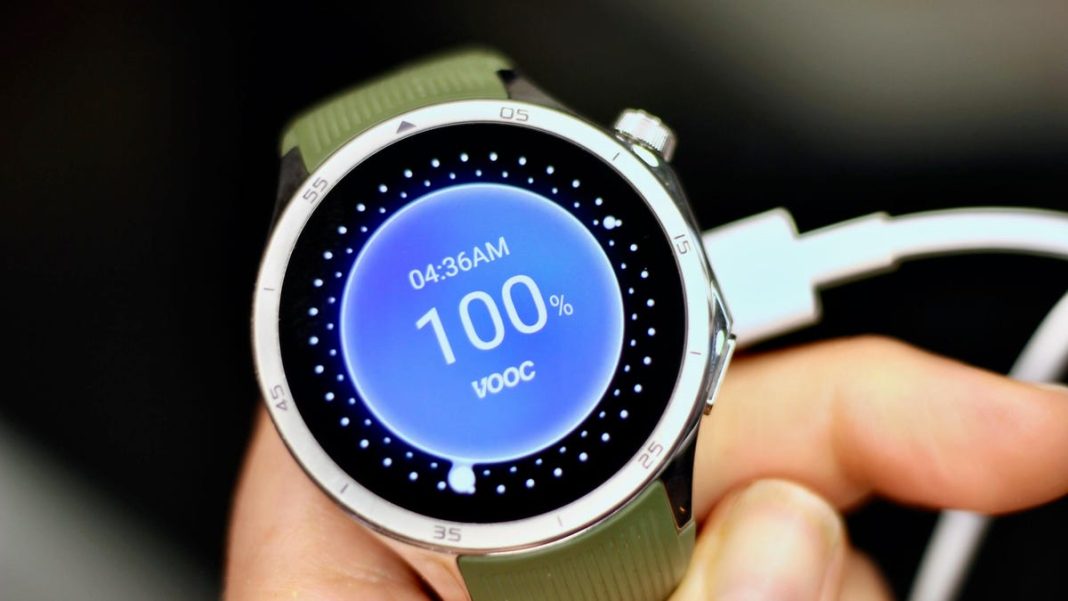
There’s a certain ritual many Android smartwatch owners know well: the end-of-day dash for the charger. You love your wrist-worn tech for notifications, fitness tracking, and quick glances, but the thought of it conking out mid-day can be a real buzzkill. What if we told you that daily charging isn’t an inevitable fate? What if a few smart tweaks could significantly extend your watch’s uptime, freeing you from that constant power anxiety?
At TrendLyric.com, we believe your gadgets should work for you, not the other way around. That’s why we’ve compiled 7 practical, game-changing strategies to boost your Android watch’s battery life. Get ready to reclaim your wrist-time!
Smart Habits for Longer Power
A significant portion of your watch’s power consumption comes from how it interacts with you and its surroundings. Making minor adjustments here can yield major gains.
1. Tame the Always-On Display
While convenient, keeping your watch face constantly illuminated is a major battery drain. Many smartwatches offer a “tilt-to-wake” or “tap-to-wake” feature that only turns on the screen when you actively look at it. Disabling Always-On Display (AOD) can add hours to your usage, transforming a single-day charge into nearly two.
2. Optimize Connectivity
Your watch’s Wi-Fi and LTE radios are power-hungry. If you don’t need constant cellular connectivity and your watch is usually paired with your phone, consider turning off Wi-Fi or LTE. Most watches will still connect via Bluetooth to your phone, which is far more efficient. If you do need Wi-Fi or LTE, try setting it to “auto” or “smart” mode if available, so it only activates when necessary.
3. Dial Down the Brightness
Just like your phone, a brighter screen on your watch means more battery consumption. Most smartwatches perform perfectly well at 50-70% brightness indoors. Experiment to find a comfortable level that doesn’t strain your eyes but conserves power. Many watches also feature an adaptive brightness setting which can be helpful, though manual adjustment often provides more control over power savings.
4. Choose Simpler Watch Faces
Those animated, hyper-detailed watch faces with multiple “complications” (small widgets displaying info) look fantastic, but they work your watch’s processor and display harder. Opt for a simpler, less animated watch face, especially those with darker backgrounds, to reduce pixel power consumption and CPU usage. It’s a subtle change with a noticeable impact.
Managing Notifications & Background Activity
Your watch is constantly working in the background, receiving data and running apps. Being judicious about what it does silently can dramatically extend its life.
5. Be Picky with Notifications
Every notification that lights up your screen, vibrates your wrist, or plays a sound uses battery. Go into your watch’s companion app on your phone and disable notifications for apps you don’t absolutely need on your wrist. Do you really need Twitter DMs or every single game update buzzing your arm? Probably not. Streamline to only the essentials.
“I used to think daily charging was just part of owning a smartwatch,” says tech enthusiast, Sarah Chen, “but with a few tweaks, like being selective about my notifications and ditching the fancy watch faces, I’m now getting almost two days on a single charge. It’s a game-changer for my routine.”
6. Disable “Ok Google” Detection
While convenient for hands-free commands, your watch constantly listening for “Ok Google” requires the microphone to be active and processing speech, which consumes a fair bit of power. If you rarely use voice commands, turning this feature off can offer a nice battery boost. You can usually still activate the assistant with a button press if needed.
7. Smarten Up Sensor Usage
Many smartwatches continuously monitor heart rate, SpO2, and GPS. While great for fitness, constant monitoring isn’t always necessary. Check your watch settings for options to change heart rate monitoring from continuous to “periodic” (every 10-30 minutes) or “event-based” (only during workouts). Likewise, disable GPS when you’re not actively navigating or tracking an outdoor activity.
The Bottom Line
You don’t have to choose between a smart watch and a dead watch. By implementing even a few of these seven strategies, you’ll likely notice a significant improvement in your Android watch’s battery endurance. It’s about making smart, mindful choices about how your tech operates, transforming that daily charging routine into an every-other-day, or even less frequent, task. Embrace the freedom!