
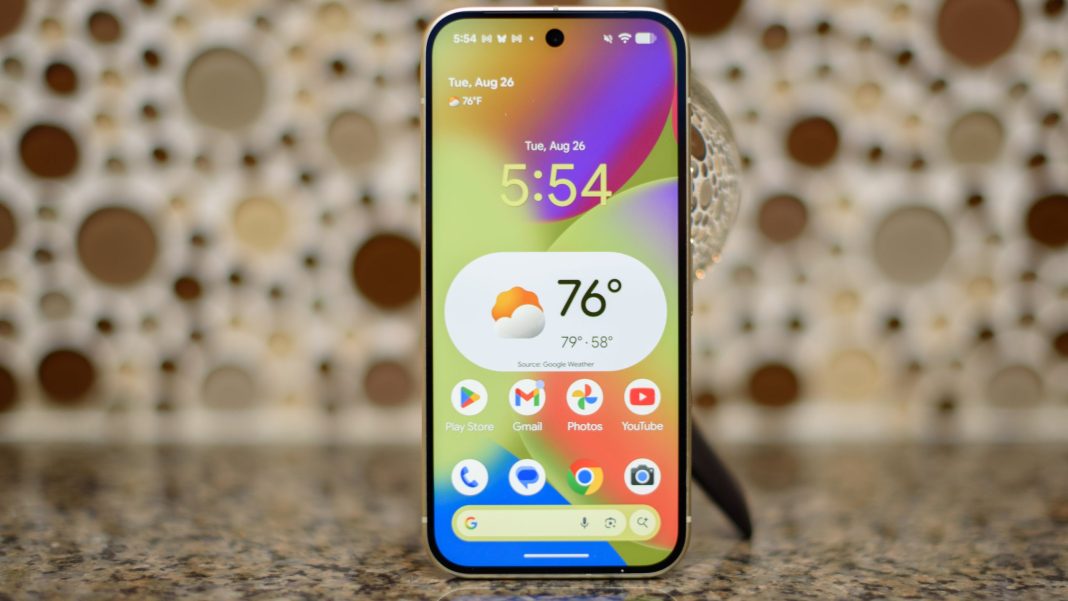
In an age where our smartphones have become extensions of ourselves, holding everything from our most cherished memories to sensitive financial data, the concept of privacy has taken on unprecedented importance. For the millions of Android users across India, navigating the digital landscape demands vigilance, not just against sophisticated cyber threats but also against casual prying eyes, both online and in person. As our lives increasingly move onto these powerful pocket-sized devices, understanding how to safeguard your personal information is no longer optional; it’s essential.
From the bustling streets of Mumbai to the serene backwaters of Kerala, every tap, swipe, and download leaves a digital footprint. Ensuring this footprint doesn’t lead others directly to your private world requires a proactive approach. Here are seven critical privacy tips to help you fortify your Android device against unwanted scrutiny.
Safeguarding Your Device’s Core Defences
The foundation of your Android’s privacy begins with how you control access to the device itself and the applications within it. These basic settings are your first line of defence.
1. Grant App Permissions Judiciously
When you install a new app, it often requests access to various parts of your phone, such as your camera, microphone, contacts, or location. Many users instinctively grant these permissions without a second thought. However, giving an app more access than it needs is a significant privacy risk. Before tapping ‘allow’, consider if a photo-editing app truly needs access to your microphone, or a flashlight app requires your contacts. Regularly review existing app permissions via Settings > Apps > See all apps > [Select App] > Permissions and revoke any unnecessary access. This simple step can prevent apps from collecting data they don’t legitimately require.
2. Harden Your Lock Screen Security
Your lock screen is the primary barrier against physical prying eyes. While a simple pattern might seem convenient, a strong alphanumeric PIN or password, combined with biometric authentication (fingerprint or face unlock), offers superior protection. Furthermore, configure your lock screen to hide sensitive notification content (Settings > Notifications > Notifications on lock screen). This prevents others from reading your messages or alerts even if they glance at your phone. For an extra layer of security, consider setting your device to automatically wipe all data after a certain number of failed unlock attempts (use with caution and ensure backups).
3. Keep Your Software Updated
Software updates aren’t just about new features; they frequently include critical security patches that fix vulnerabilities exploited by malicious actors. Running outdated software leaves your device exposed to known threats. Ensure your Android OS and all installed apps are always up to date. Enable automatic updates for both your system (Settings > System > System update) and apps (Google Play Store settings) to ensure you’re always running the most secure versions available. This vigilance protects against sophisticated attacks designed to bypass your privacy settings.
Protecting Your Digital Footprint and Online Interactions
Beyond the device itself, your online activities and data shared with major tech platforms constitute a vast digital footprint. Managing this is crucial for privacy.
4. Regularly Review Google Activity Controls
Google, like many tech giants, collects extensive data on your activities to personalize services and ads. You have significant control over this. Visit your Google Account (accessible through Settings > Google > Manage your Google Account) and navigate to ‘Data & privacy’. Here, you can review and manage ‘Web & App Activity’, ‘Location History’, and ‘YouTube History’. Consider pausing or selectively deleting past activity that you don’t wish to be stored. You can also adjust ‘Ad settings’ to limit how your data is used for personalized advertising, significantly reducing the scope of your digital profile.
5. Utilise a VPN for Online Anonymity
When browsing online, especially on public Wi-Fi networks in cafés, airports, or railway stations, your data can be vulnerable to interception. A Virtual Private Network (VPN) encrypts your internet traffic, routing it through a secure server and masking your IP address. This makes it significantly harder for third parties, including internet service providers and potential snoopers, to track your online activities or access your personal data. Choosing a reputable, no-logs VPN service is a vital step for enhancing your online privacy and security.
6. Disable Unnecessary Location Services
Location data is incredibly sensitive. Many apps and services constantly request access to your device’s GPS and network-based location. While useful for navigation or finding nearby amenities, continuous location tracking can be a serious privacy concern. Go to Settings > Location and review which apps have access to your precise location. Disable location access for apps that don’t genuinely need it, and consider using ‘While in use’ permissions instead of ‘Always allow’. For complete anonymity in certain situations, you can temporarily turn off location services entirely.
7. Use Privacy-Focused Browsers & Search Engines
Your default web browser and search engine often track your browsing habits, search queries, and website visits to build a profile for advertising. Consider switching to privacy-focused alternatives like Brave or DuckDuckGo for browsing, and DuckDuckGo or Startpage for searching. These platforms are designed to minimize data collection and tracking, offering a more anonymous browsing experience than mainstream options. Coupled with using your browser’s incognito or private mode (which prevents local storage of history and cookies), this significantly reduces your online footprint.
As Dr. Priya Sharma, a leading Indian cybersecurity ethicist, often remarks, “In an increasingly connected world, digital privacy isn’t just a technical setting; it’s a fundamental right that requires constant vigilance.” By implementing these seven tips, Android users in India can take significant strides towards reclaiming their digital privacy, ensuring their personal space remains just that – personal, both online and offline.